
This article walks you through how to purchase a phone number within Kanamé, enabling SMS and voice functionality for your clients or team members.
Why Purchase a Phone Number in Kanamé?
Purchasing a phone number in Kanamé allows you to send and receive calls and texts directly from the platform. This gives users access to a wide range of local and toll-free numbers which is essential for automating outreach, managing client communications, and building a seamless experience across funnels, campaigns, and conversations.
Note: Phone numbers are managed at the account level, not agency-wide. Each account should have its own number for tracking and configuration purposes.
Key Benefits of Purchasing a Phone Number
- Enables two-way SMS and calling inside Kanamé.
- Establishes local or toll-free presence for branding and trust.
- Powers automated workflows, call routing, and voicemail.
- Integrates with users, pipelines, and campaigns for seamless communication.
- Prevents the need to use personal phone numbers for business tasks.
Steps to Purchase a Phone Number
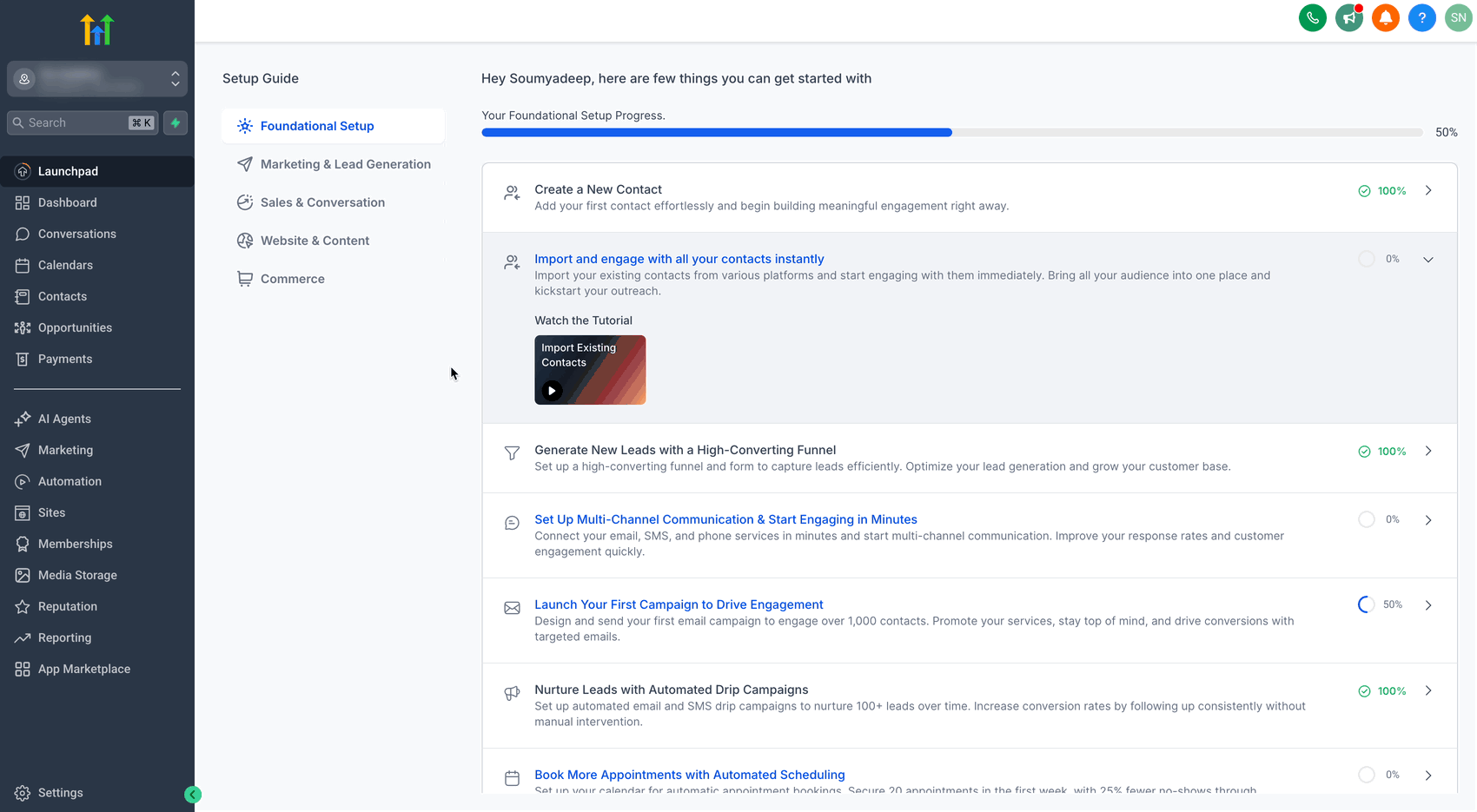
Step 1: Navigate to Phone Number Settings
- Click on Settings from your account.
- Select Phone****Numbers under Business Services.
- Click on the + Add Number button and select Add Phone Number from the drop-down.
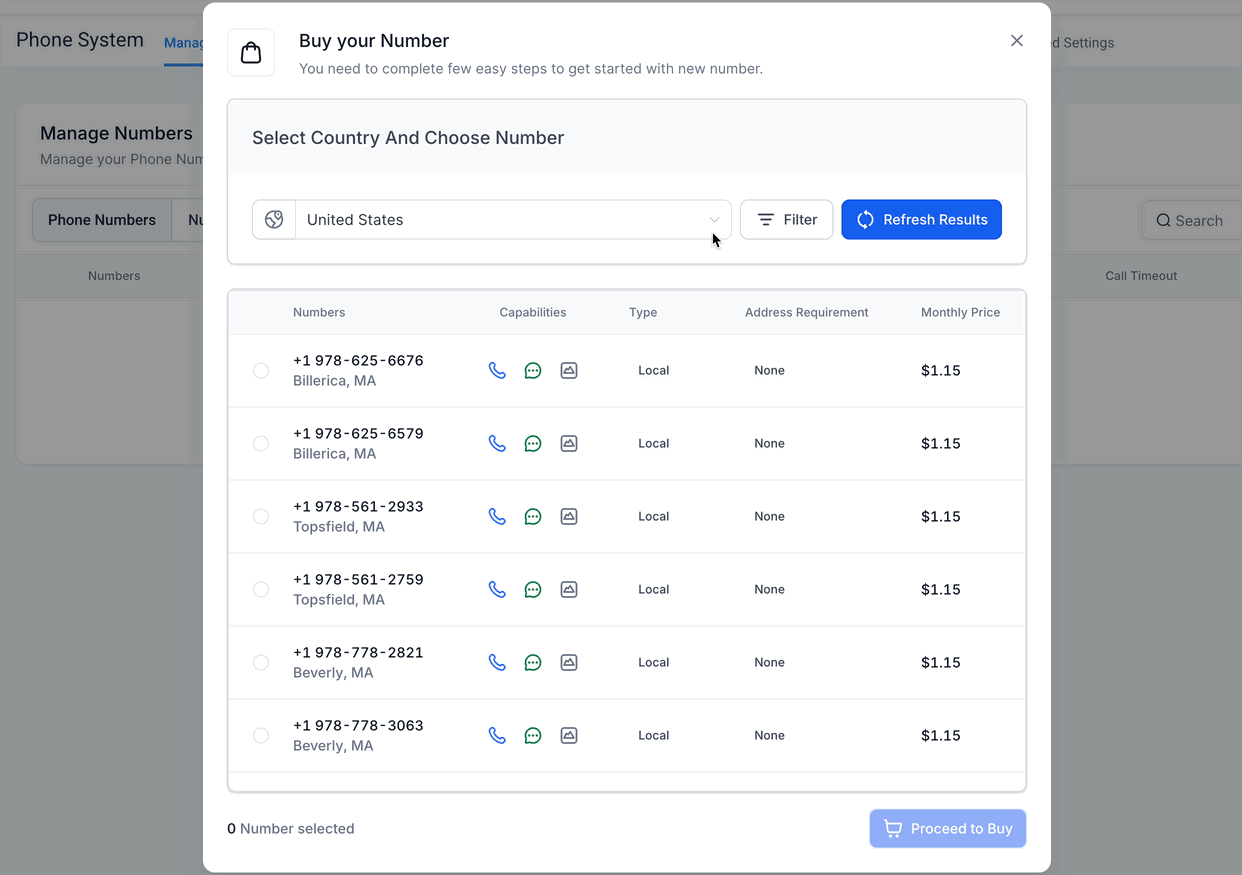
Step 2: Selecting Country and Number
- Select your desired Country from the list of available countries.
- You can choose your Number from the available list of Local or Toll Free numbers.
- Use the Refresh Results button to get a new list of available numbers.
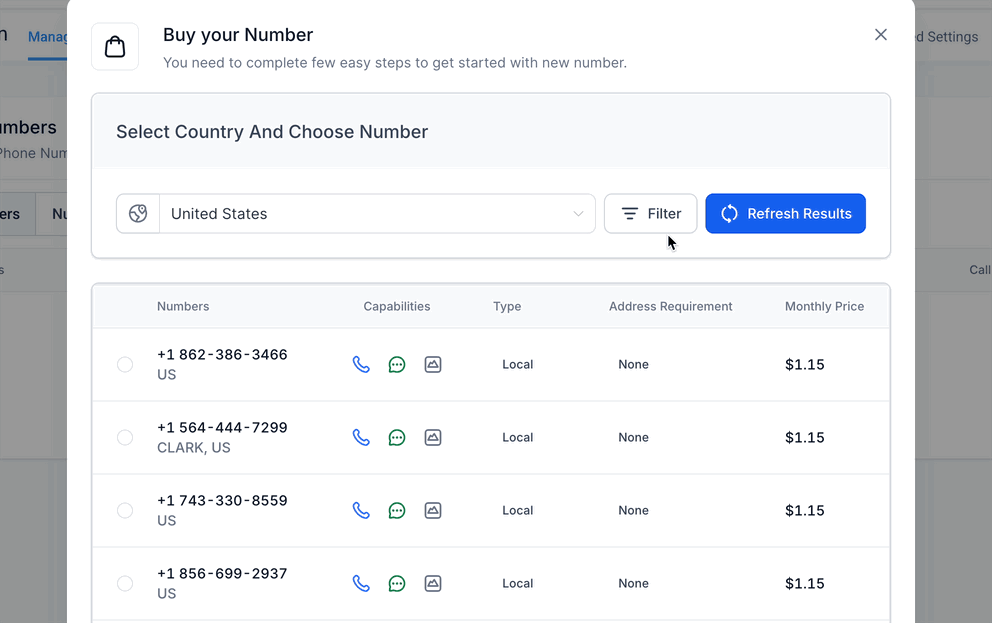
Search Filters
You can use the filter option to search your desirable numbers on the basis of:
- Digit or Phrases and match it with (first, last or any) part of the number.
- Capabilities (SMS, MMS, Voice)
- Number Type (Local or Toll Free)
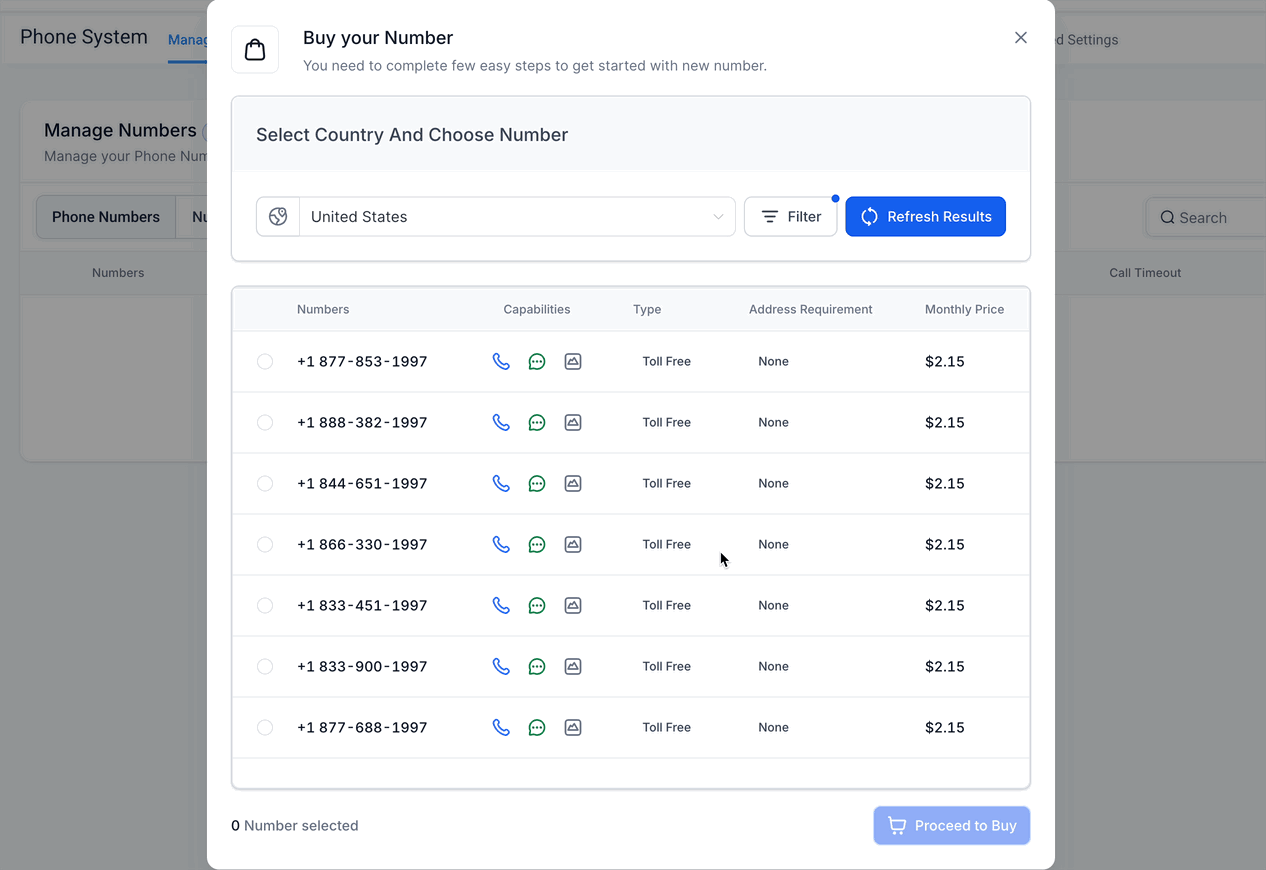
Step 3: Purchasing a Number
- Select the number of your choice.
- Click on Proceed to Buy button to complete the purchase.
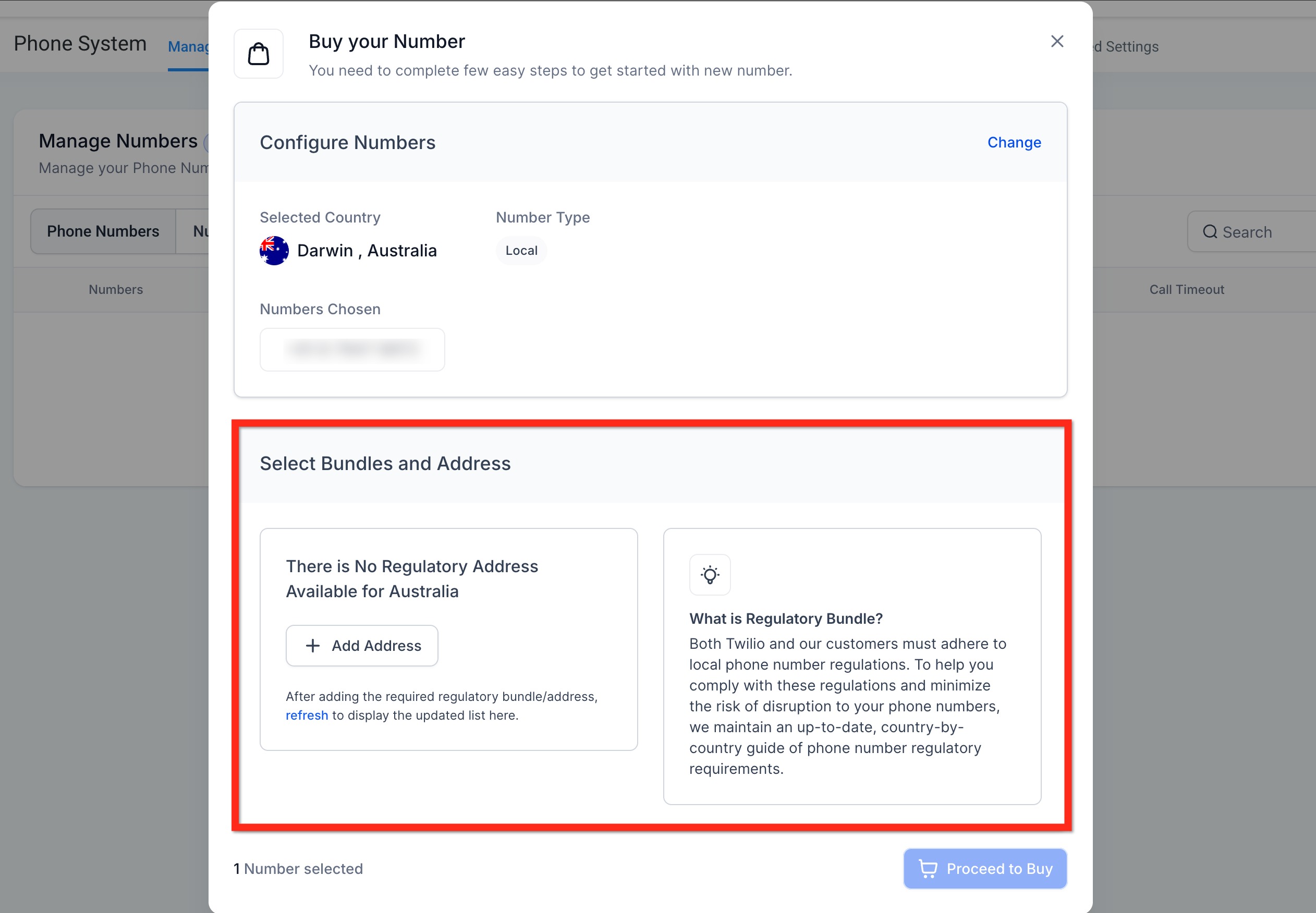
Regulatory Requirements for International Phone Numbers
A regulatory bundle or address is required when purchasing phone numbers in most countries outside the USA and Canada.
Frequently Asked Questions
Q: Can I purchase multiple phone numbers for the same account?
Yes, you can purchase multiple numbers. This is helpful for managing different departments, services, or geographic regions within the same account.
Q: Do I need a separate number for each user?
Not necessarily. One number can serve multiple users if routed correctly, but for personalized outbound messaging and tracking, dedicated numbers per user are recommended.
Q: Will I be charged monthly for purchased phone numbers?
Yes. you will be charged a small monthly rental fee for each number. Rates vary based on the type (local or toll-free) and region.
Relevant Help Docs
Kanamé Phone System Trust Center
Phone Number Settings Explained
Why are my Calls marked as Spam, and how can I avoid it
Kanamé Messaging Policy